
Common Cyber Scams Targeting Small Businesses
Cyber criminals often target small businesses because they believe security controls may be weaker. Many attacks rely on tricking employees rather than breaking into systems.
Understanding the most common scams can help your organisation recognise and avoid them.

1. Phishing Emails
Phishing emails attempt to trick employees into clicking malicious links or revealing sensitive information.
Common signs
- Urgent messages asking you to act quickly
- Requests for passwords or login details
- Links to fake websites that look legitimate
- Emails pretending to be from banks, suppliers, or colleagues
What to do
Scan suspicious files using VirusTotal.
Do not click suspicious links
Check links before opening them

2. Fake Invoice Scams
In this scam, criminals send invoices pretending to be suppliers or service providers.
Common signs
- Unexpected invoices
- Payment details that suddenly change
- Requests for urgent payment
What to do
Check bank details before making payments.
Always verify invoices with the supplier
3. CEO Fraud / Business Email Compromise
Attackers impersonate senior staff and request urgent payments or sensitive information.
Common signs
- Emails pretending to be from directors or managers
- Requests for urgent payments
- Messages asking for confidential data
What to do
Implement clear payment approval procedures.
Verify requests using another communication method
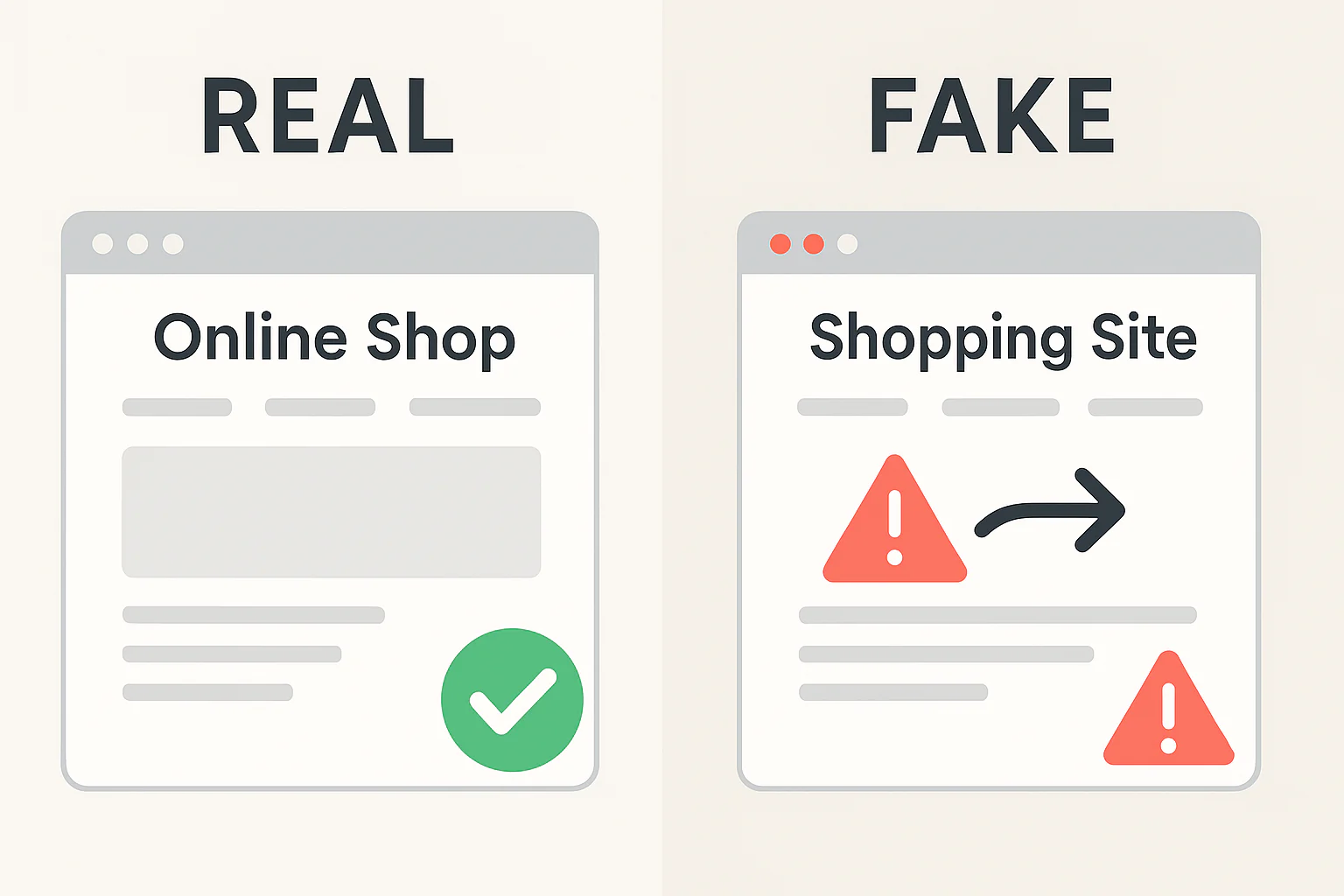
4. Fake Website and Online Store Scams
Employees may be tricked into visiting malicious websites that look legitimate.
Common signs
- Websites offering deals that seem too good to be true
- Strange or unfamiliar domain names
- Poor spelling or design
What to do
Check suspicious websites using ScamAdvisory before entering information.

5. Malware Attachments
Attackers send infected attachments that install malware when opened.
Common signs
- Unexpected attachments
- Files with unusual extensions
- Emails asking you to download documents urgently
What to do
Scan files before opening.
Do not open attachments from unknown senders
6. Tech Support Scams
Scammers pretend to be IT support or software providers and claim there is a problem with your system.
Common signs
- Calls claiming your computer is infected
- Requests to install remote access software
- Pressure to pay for unnecessary services
What to do
- Never give remote access to unknown callers
- Contact your IT provider directly.
7. Password Reset Scams
Employees receive fake password reset notifications designed to steal login details.
Common signs
- Unexpected password reset emails
- Links directing you to unfamiliar login pages
What to do
- Only reset passwords through official websites
- Use password managers such as Bitwarden to avoid entering credentials on fake sites.
Protecting Your Business from Scams
The most effective protection against cyber scams is awareness and good security practices.
Businesses should:
- Train staff to recognise phishing attacks
- Use strong passwords and password managers
- Enable two-factor authentication
- Regularly review cyber security practices
Resources such as KnowBe4 provide training materials to help employees recognise cyber threats.
Need Help Improving Cyber Security Awareness?
North East Digital Skills helps organisations improve cyber awareness and reduce the risk of cyber attacks through training and practical guidance.
If your organisation would like support improving cyber security awareness, feel free to get in touch.